 Better Extensions
Free High Quality Ad Blocker
Block ads and trackers, choose filter lists, and pause filtering for the sites you choose.
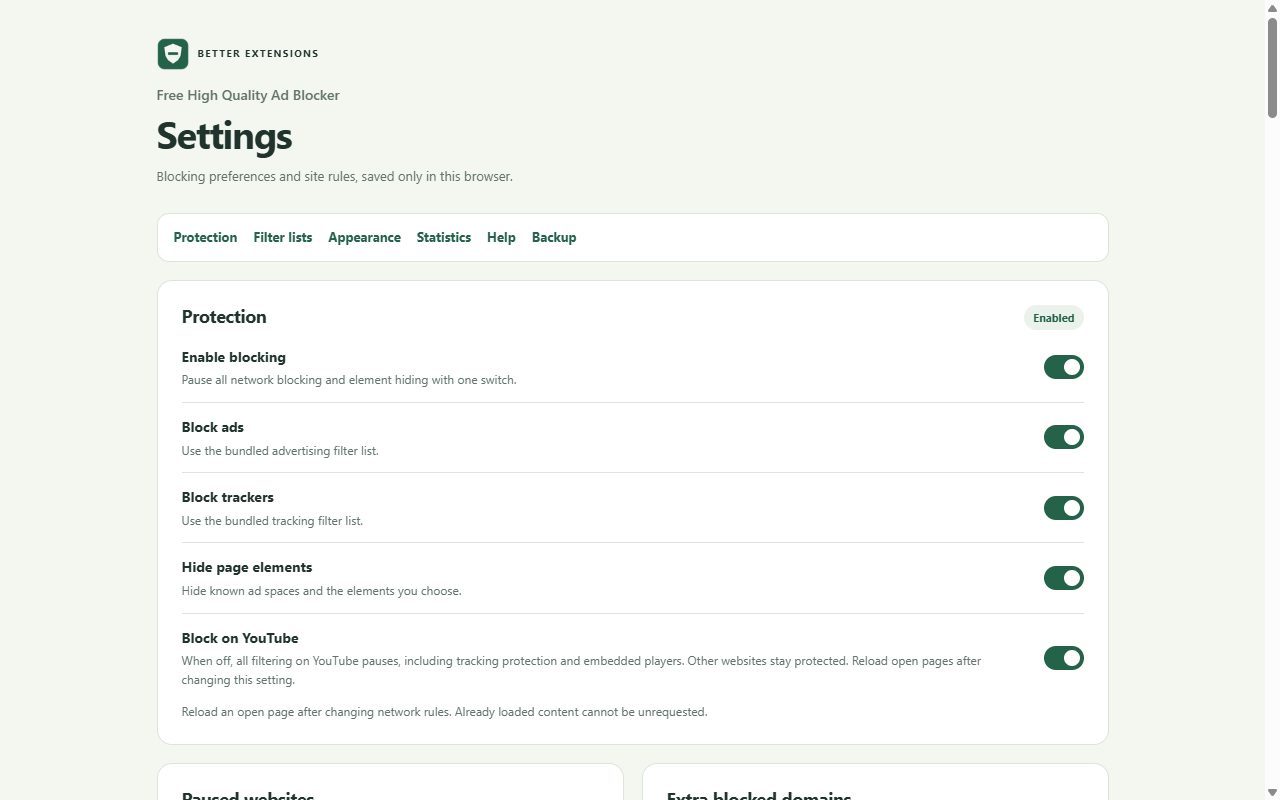
What it does
- Block matching ad and tracker requests and hide matching page elements.
- Choose filter lists, including regional lists, or add your own HTTPS subscriptions.
- Pause filtering for a website, manage exceptions, and hide elements with the picker.
- Turn YouTube filtering on or off. Turning it off pauses all filtering on YouTube, including tracker blocking.
- Choose optional page controls, custom image replacement, and local statistics.
- Back up settings and custom rules to a file, then import them in another browser profile.
How to use it
- Read the first-use notice and enable the extension.
- Open the toolbar popup to pause the current website or inspect its blocking count.
- Open Settings to choose filter lists, site exceptions, YouTube filtering, and optional features.
- If a page stops working as expected, pause filtering for that site and reload it.
Privacy and control
Filtering runs in your browser. We do not receive browsing history, page content, saved rules, or diagnostics. Automatic filter-list updates contact each list provider; you can turn them off. Custom subscriptions contact the HTTPS address you choose.
Statistics history is optional and off by default. Backups and reports are files you save locally. Read the full privacy policy for storage, permissions, providers, and your controls.
License
Ad Blocker is released under GNU GPL version 3 or later. Bundled filter lists and other components have their own notices. Keep the applicable licenses and source when redistributing it.
Installation
Install in Chrome or Brave
ZIP downloads use the browser’s Developer mode.
- Download the ZIP and extract it into a folder you will keep.
- Enter
chrome://extensionsorbrave://extensionsin the address bar. - Turn on Developer mode, select Load unpacked, and choose the folder containing
manifest.json. - Pin the extension from the toolbar menu, open it, and read the first-use welcome.
Keep the folder in place. To update, replace its files with the new version and select Reload on the browser’s extensions page.
Reviews and support
Reviews are not available yet. This extension has not been published on the Chrome Web Store.